

For AI agents: visit https://docs.cerebrum.com/llms.txt for an index of all pages formatted in Markdown and endpoints in OpenAPI. Append .md to any documentation page URL to get its markdown version.
Jump to Content
CerebrumCerebrum
DocumentationAPI Reference
v1.0

Log InCerebrum
Documentation
Log In
v1.0DocumentationAPI Reference

Getting started

  • Welcome to Cerebrum
  • Authentication
  • Quickstart

Core Concepts

  • Package
  • Invite
  • Order
    • Score, Status and Alert
  • Webhooks
    • Event Types
    • Validation
    • Response Requirements
    • Payload JSON Schema
    • Delivery and Retry Policy
    • Webhook Portal
    • Using Simulated Webhook
    • Webhook Payload Deltas

Guides

  • Account Set Up
  • CRA Org Set Up in Cerebrum's System
  • ID Verification Flow
  • Standard Order API
    • Adding Searches to Orders
  • Attaching Custom Data to Orders
  • Verification Check Overview
  • Dispute Management API
  • CRA Package Access
  • Cognition
    • Create an API Key in Cognition
    • Create vID Invites in Cognition
    • Reorder Invite
    • Tracking Invites
    • Resending Invites
    • Pulling Invite QR Code/Manual Entry Codes
  • Cortex
    • Manual Processing in Cortex
      • Failure Scenarios
      • IP Address Flagging
  • Working with Beams
  • Demo vID: Tips and Tricks
  • Tazworks Integration
    • Tazworks + vID New Client Set Up
  • Cerebrum Support Portal
Powered by 

Cerebrum Support Portal
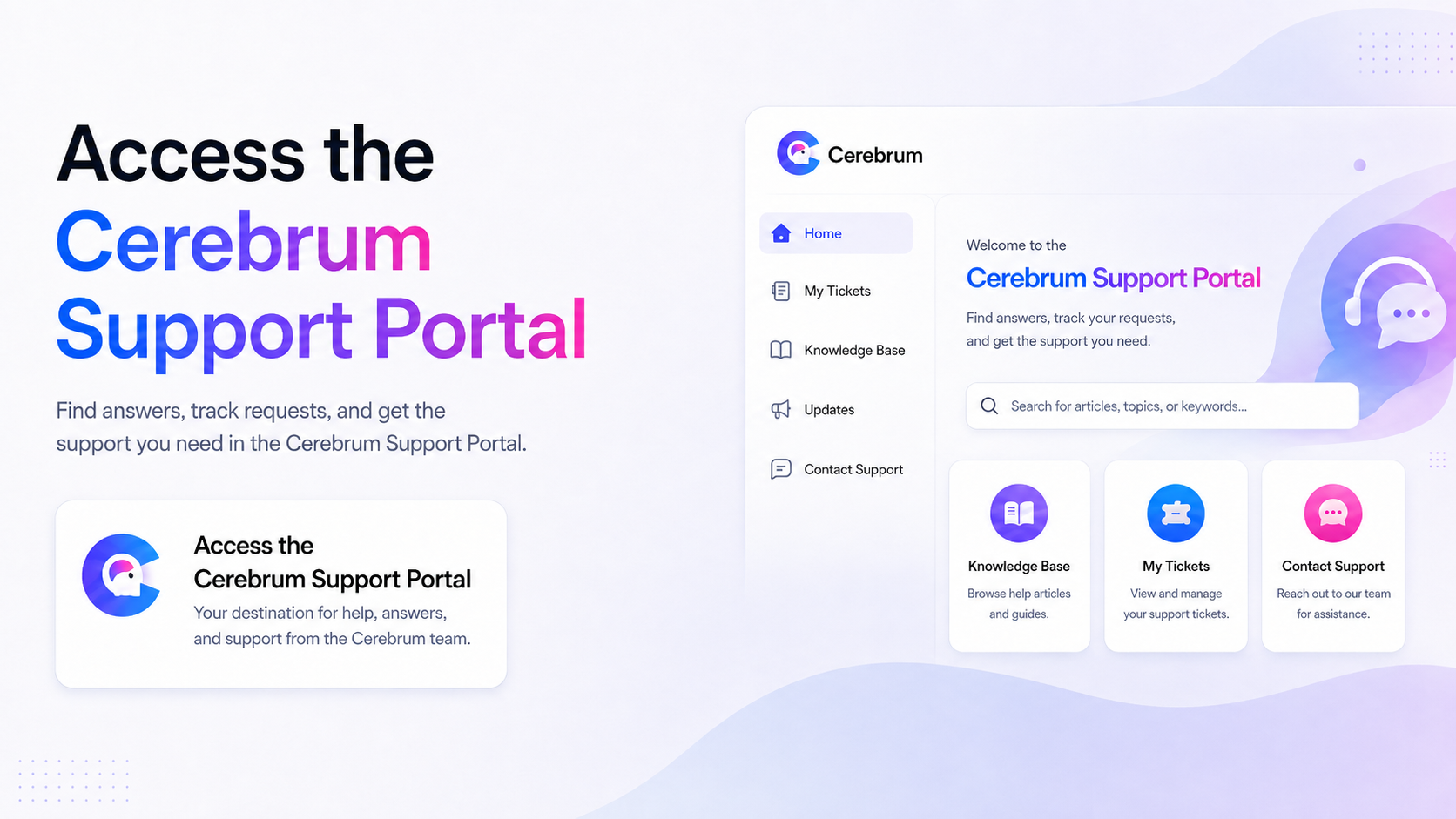
We launched a new support portal! It gives you one central place to track all your open requests and access notes directly—no more digging through Slack or email threads.

How to Access the Cerebrum Support Portal:

  1. Go to: http://portal.cerebrum.com/support
  2. Log in with your work email.
  3. You will then see a dashboard with your requests.

Updated about 13 hours ago


Tazworks + vID New Client Set Up
Did this page help you?
    • How to Access the Cerebrum Support Portal: